Download
Put it on the counter.
Windows and Mac. Free for 15 days.
Version 1.0.1 · Windows 64-bit (x64) · Mac Apple Silicon (M1 or newer)
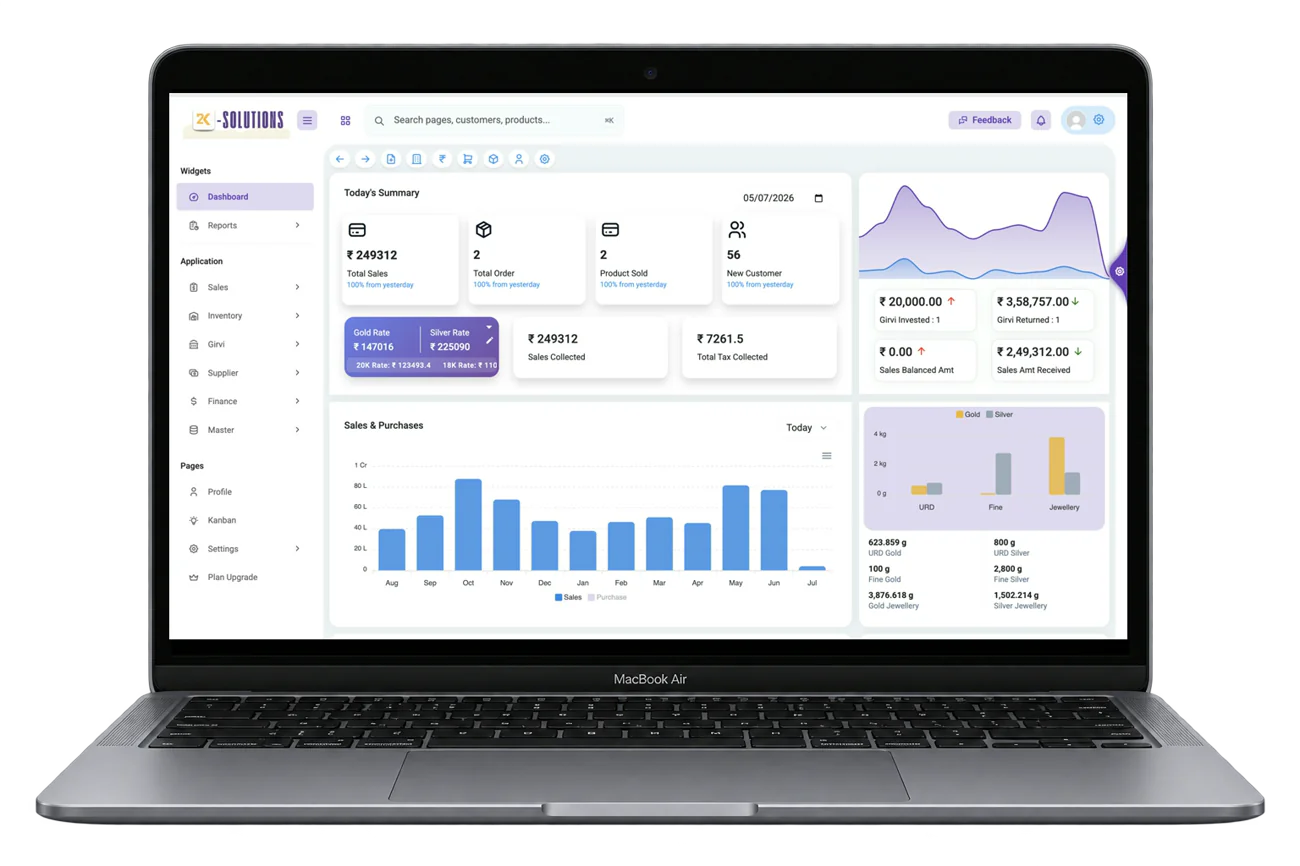
Installing
Four steps, about a minute.
Download the installer
One file, straight from our release storage. No account needed to download.
Windows may warn you
Choose More info, then Run anyway. The warning appears because the installer is new, not because anything is wrong.
Install and open
Takes about a minute. The app creates its database on your machine the first time it runs.
Start the trial
Enter your shop details and the 15-day trial begins. No card, no payment details.
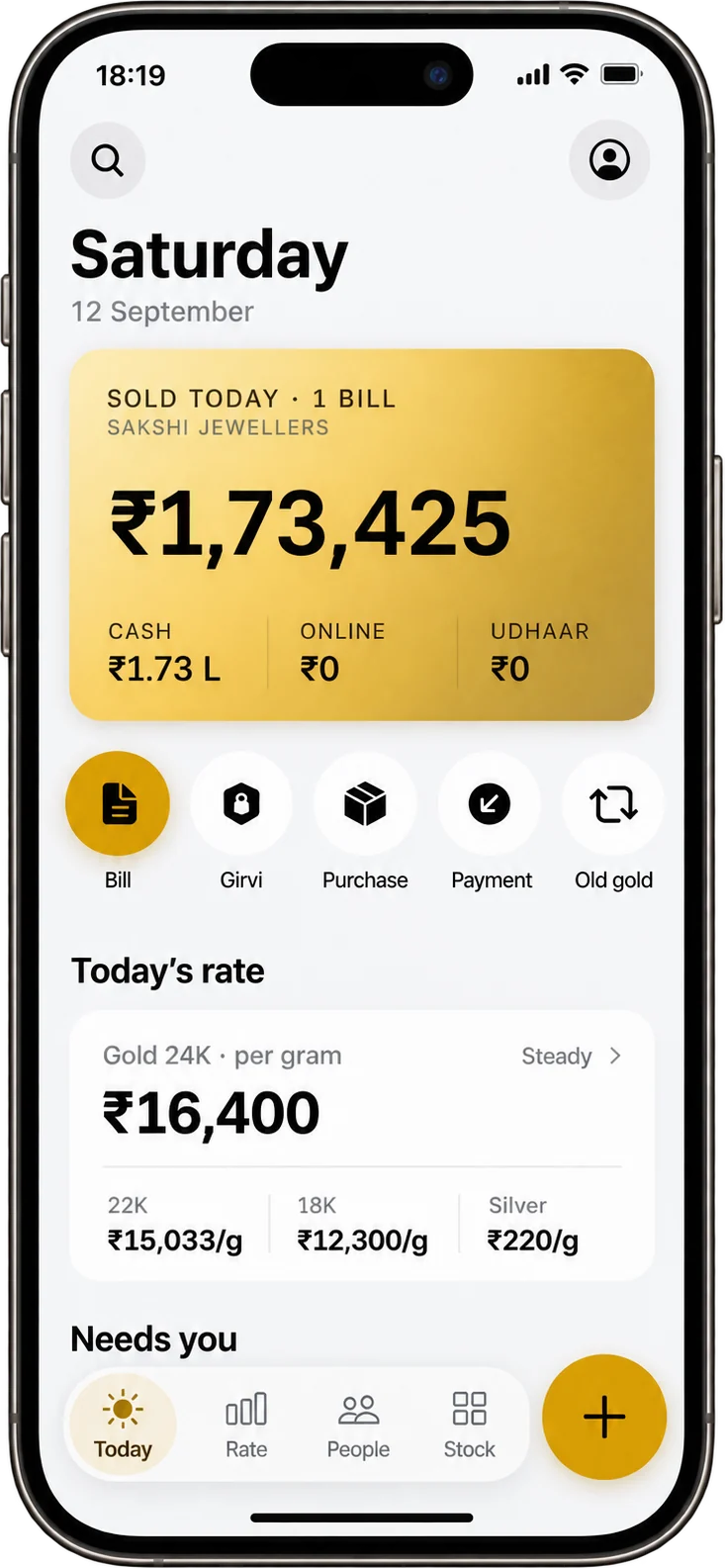
24K Mobile
The shop, in your pocket.
Today's sale, udhaar and live rates — from anywhere.
iPhone, iPad and Android · direct Android APK
Before you start
What it needs.
- Windows 10 / Windows 11, 64-bit (x64)
- or a Mac with Apple Silicon (M1 or newer), macOS 12 (Monterey) or newer
- About 189 MB of disk for the installer
- Internet once, to activate the licence
- No server, no monthly hosting, no IT person