Your shop's data
Backup & data
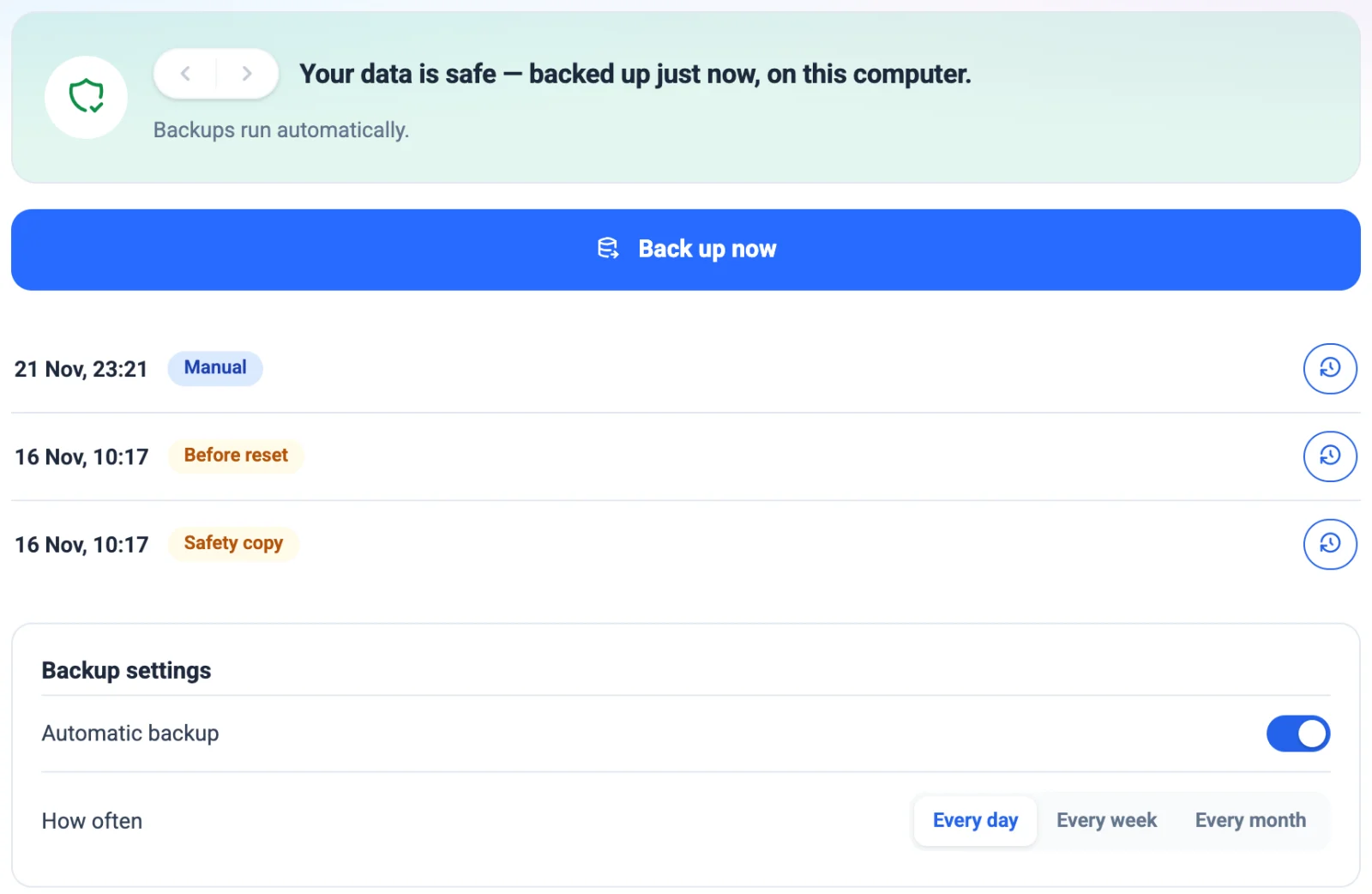
Backed up every day. Restored in minutes. Moved in for you.
From ₹399/month · 15 days free, no card
- Every daya backup by itself — and one more when you close
- 4 hoursat most of work between Checkpoints
- 1 yearof copies kept — daily, weekly, monthly
- Lockedwith your account's key before it leaves the computer
Every way your data is looked after.
Everything in your shop, in one backup.
A dead hard disk, a stolen computer or a spilt cup of chai shouldn't cost you a single bill. Every backup carries the whole shop — bills, girvi, khata, stock, accounts, and even customer photos and ID proofs — locked with your account's key and kept on your computer and in your own Google Drive.
Coming from another software? We'll move you — free.
Send us what you have — an Excel sheet, an export from your old software, even photos of a register. Our team sets it up in 24K for free: customers, items, opening stock, dues and girvi. You check it, and start billing.
- Tally
- Vyapar
- Marg
- Excel / Google Sheets
- Other jewellery software
- Paper registers
- 1Send it on WhatsApp
Your old data in whatever form you have it.
- 2We set it up
Customers, items, opening stock, udhaar and girvi — mapped into 24K.
- 3Check and start
Look it over with us on a call, then bill from day one.
Questions? Answers.
Where is my data kept?
On your own computer, in the shop. Backups also go to a private folder in your own Google Drive if you connect it. Your books never come to our servers.
How do I connect Google Drive?
In the desktop app, open Settings → Backup & Data, and press Connect next to Google Drive. Sign in with your Google account once; from then on every backup uploads by itself.
What if my computer is lost or stops working?
Install 24K on another computer and sign in with the same account. Fetch the latest backup from Google Drive and restore it — it opens without typing a key. Keep your printed recovery key as a fallback.
Can I move my data from Tally, Vyapar or Excel?
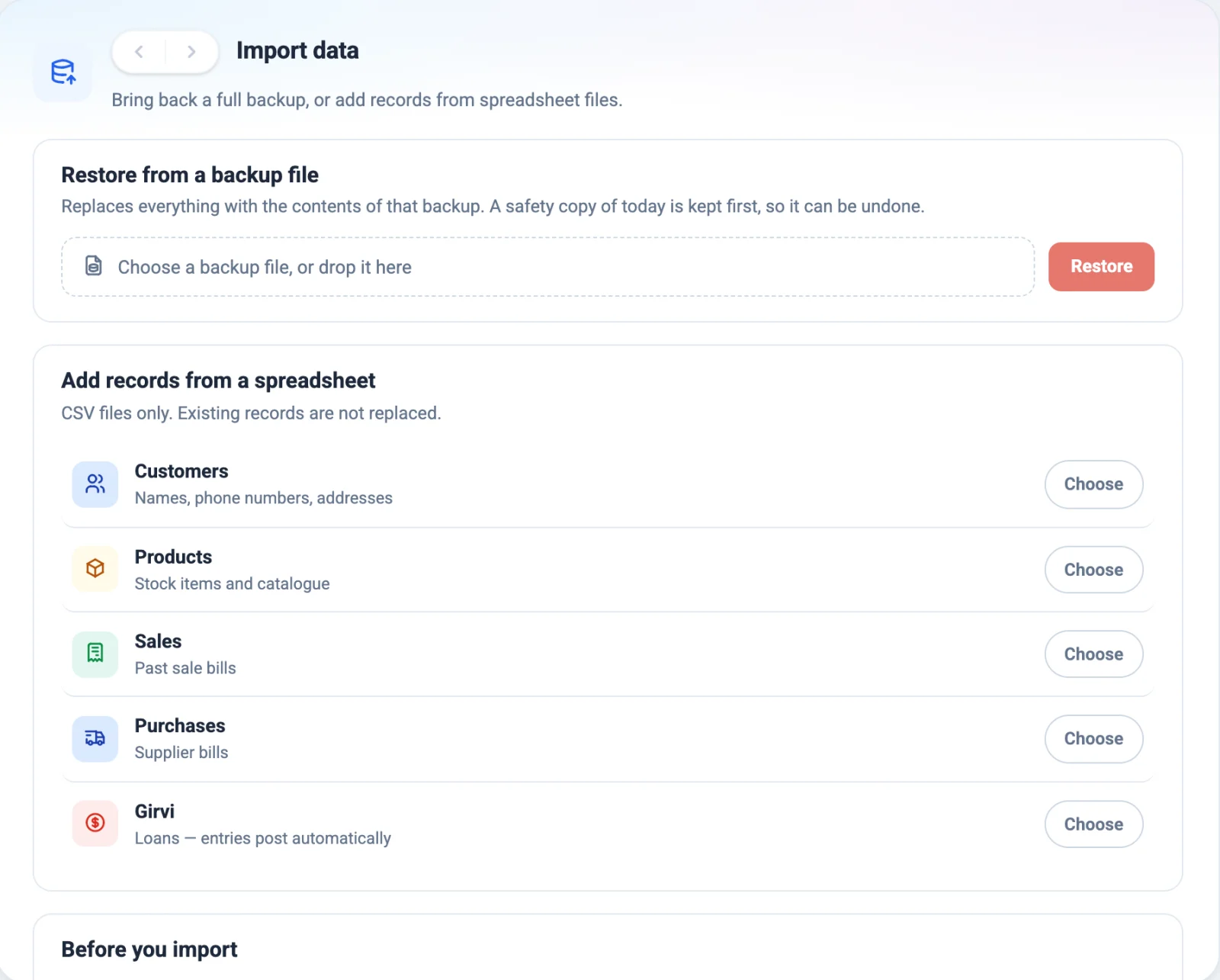
Yes. Send us what you have on WhatsApp — an Excel sheet or an export from your old software — and our team sets up your customers, items, opening stock, dues and girvi in 24K — free of charge. You can also import CSV files yourself from Import data.
Can I take my data out?
Any time. Export customers, products, sales and purchases to CSV files that open in Excel, or save a full backup file to a pendrive.
Can I delete test entries and start again?
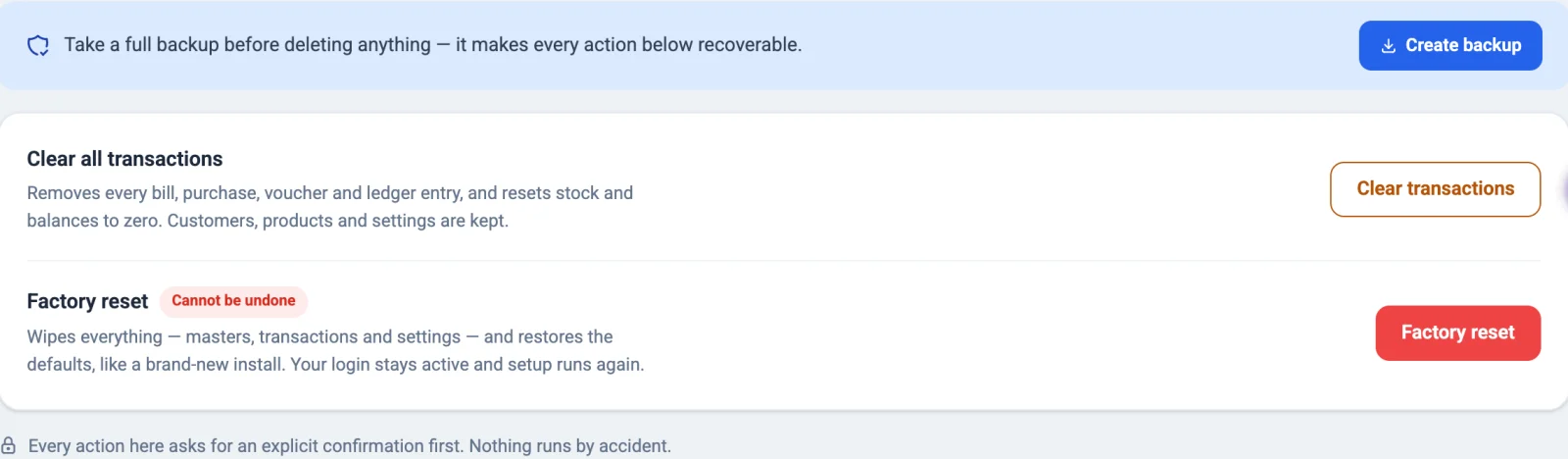
Yes. Clear all transactions removes every bill and entry but keeps your customers, products and settings. Factory reset starts completely fresh. Both ask first, and a copy from before a reset is kept for a year.
Do I need the internet?
No. Backups are always made on your computer. With the internet they also upload to Google Drive; without it they wait and upload later.